Black Background Maker
Upload any photo and instantly get a studio-quality black background. No Photoshop needed — start on the free plan.
A sample photo is already loaded — pick a color to see it change.
How to make a black background
Upload your photo
Drag and drop or click to upload a JPG, PNG, or WebP image up to 10MB.
Pick the black background
Our tool replaces the backdrop with a clean, solid black in a single click.
Download your image
Save your image as a PNG (transparent) or JPG (solid black) instantly.
Use it for
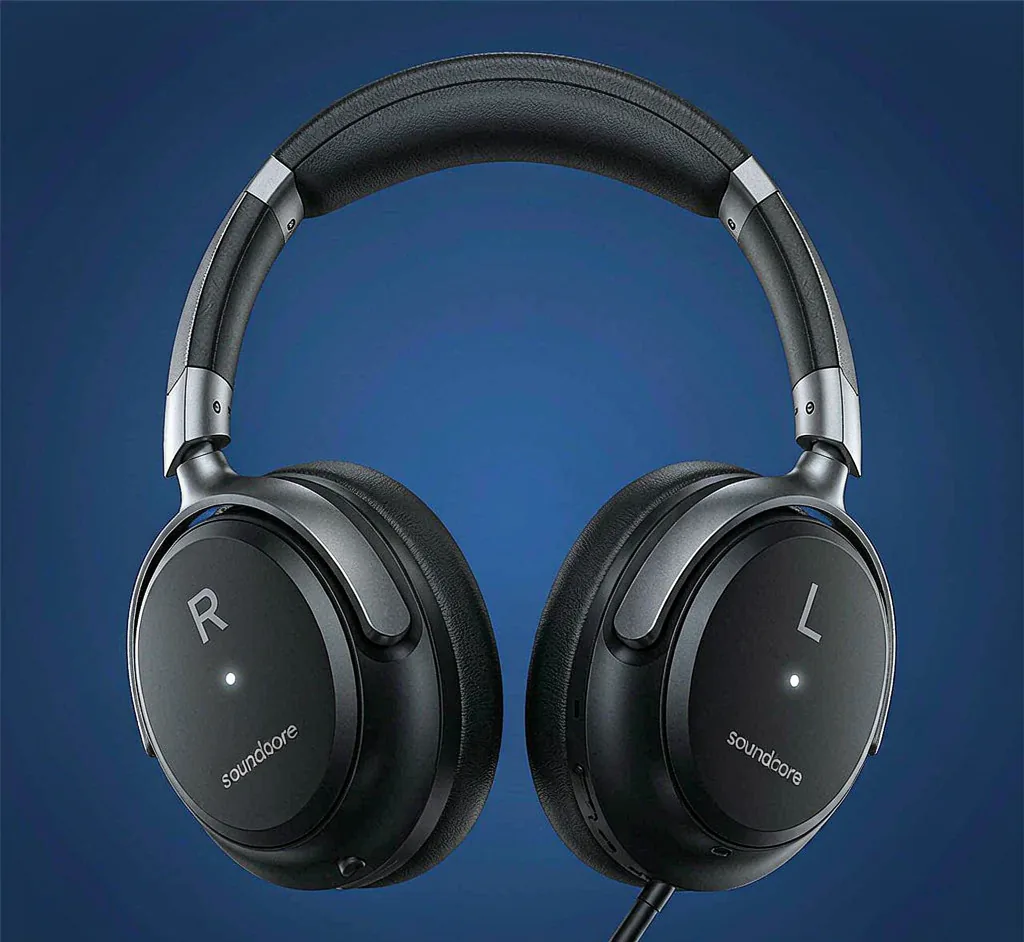
Product photos
Great for product photos that need a clean, consistent black backdrop.
Portrait photography
Great for portrait photography that need a clean, consistent black backdrop.
Social media posts
Great for social media posts that need a clean, consistent black backdrop.
Black background, every way you need it
Solid Black Background
A solid black background is the cleanest way to make a product or portrait pop. With MarketShot AI you get a perfectly even, noise-free solid black backdrop every time — ideal for e-commerce listings and Instagram feeds.
Plain Black Background
Need a plain black background with zero distractions? Skip the studio and the seamless paper. Upload once and download a flat, plain black background that works for any subject.
Black Background for Portrait
Portraits on a black background look dramatic and professional. Our auto cutout keeps skin tones and hair detail while dropping in a deep black backdrop in seconds.
Black Wallpaper
Turn any shot into a minimal black wallpaper for your phone or desktop. The solid black version is crisp at any resolution and pairs with any icon pack.