Background Remover
Erase the background from any photo and get a transparent PNG in one click. No Photoshop, no hassle.
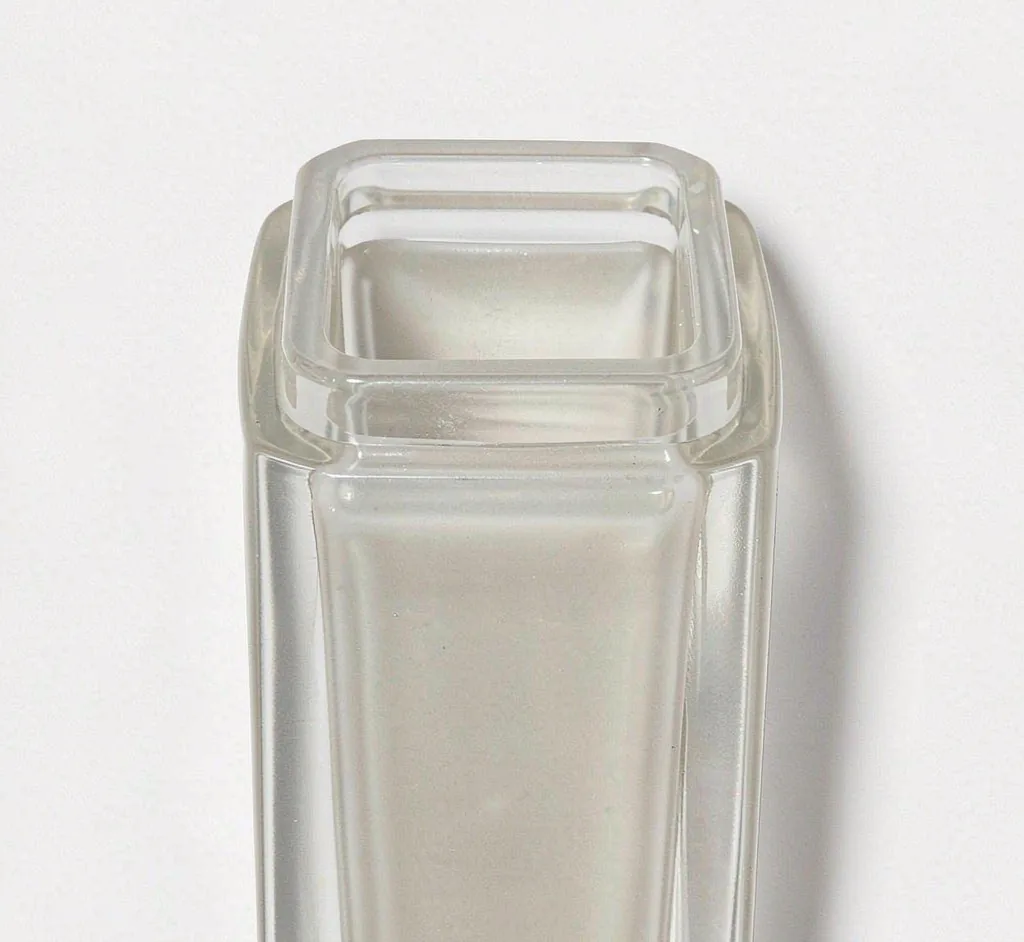
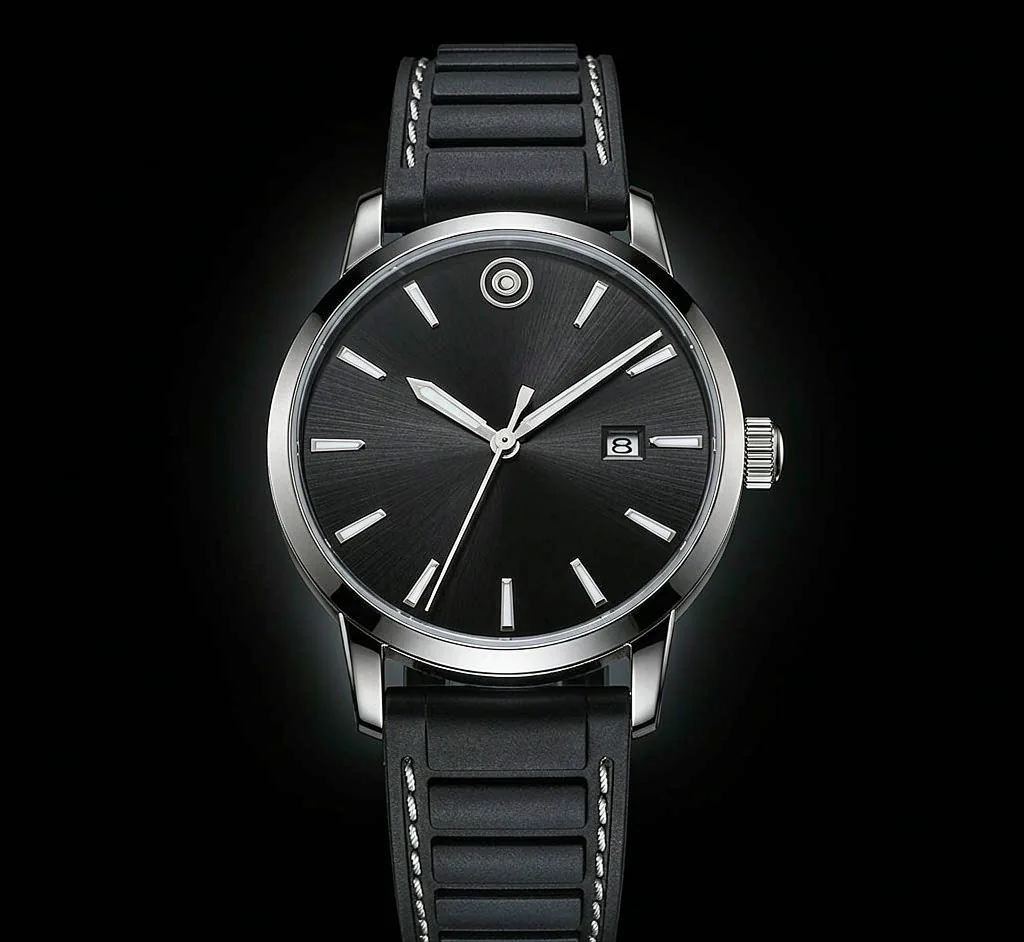
A sample photo is already loaded — pick a color to see it change.
How to make a transparent background
Upload your photo
Drop in a JPG, PNG, or WebP image up to 10MB.
Remove the background
Our tool cuts out the subject and clears the backdrop to transparent.
Download as PNG
Save a transparent PNG you can place on any color or design.
Use it for
Logo & product cutouts
Great for logo & product cutouts that need a clean, consistent transparent backdrop.
Collages
Great for collages that need a clean, consistent transparent backdrop.
Design mockups
Great for design mockups that need a clean, consistent transparent backdrop.
Transparent background, every way you need it
Transparent Background PNG
A transparent background PNG lets you drop your subject onto any scene. Perfect for compositing, thumbnails, and store assets.
Remove Background for Products
Clean product cutouts sell better. Remove the background, then add a white, black, or branded backdrop in a click.
No Photoshop Needed
Skip the pen tool and layer masks. Our one-click remover handles the cutout so you can focus on the design.