Blue Background Maker
Turn any photo into a clean blue-background image online. Perfect for IDs, profiles, and product shots — no design skills required.
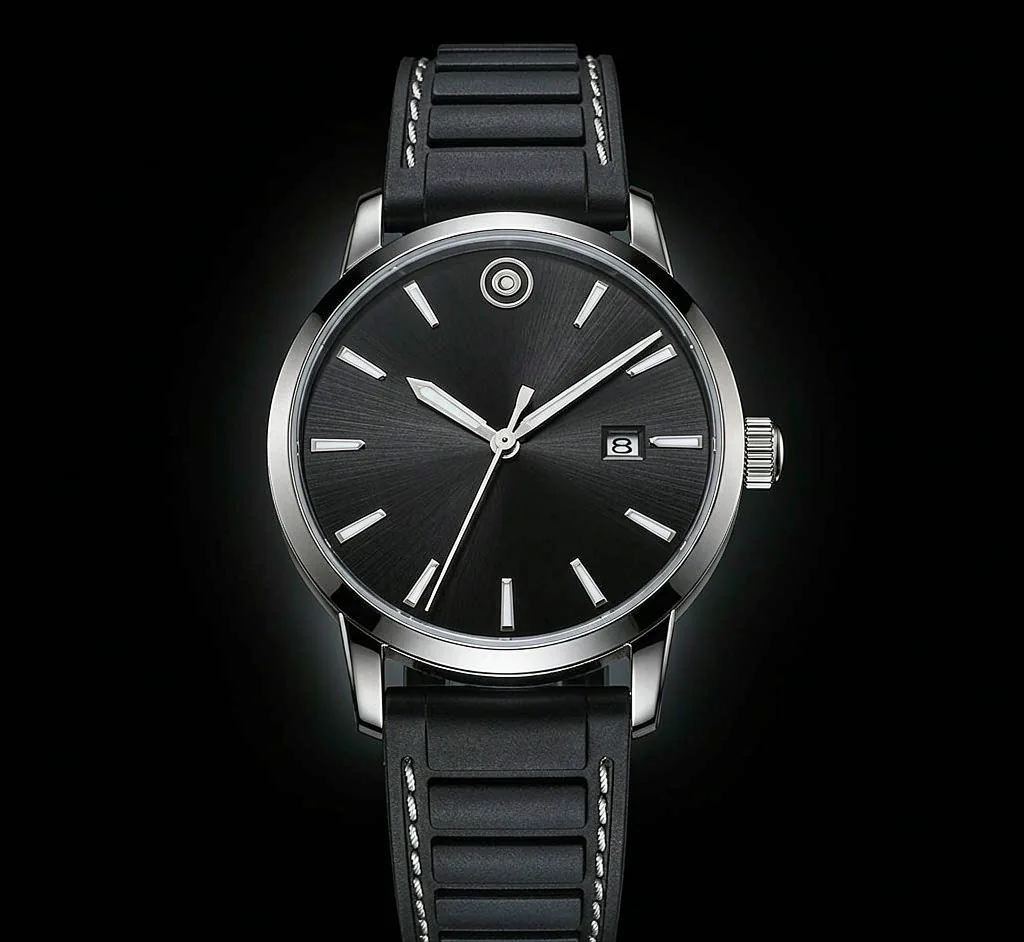
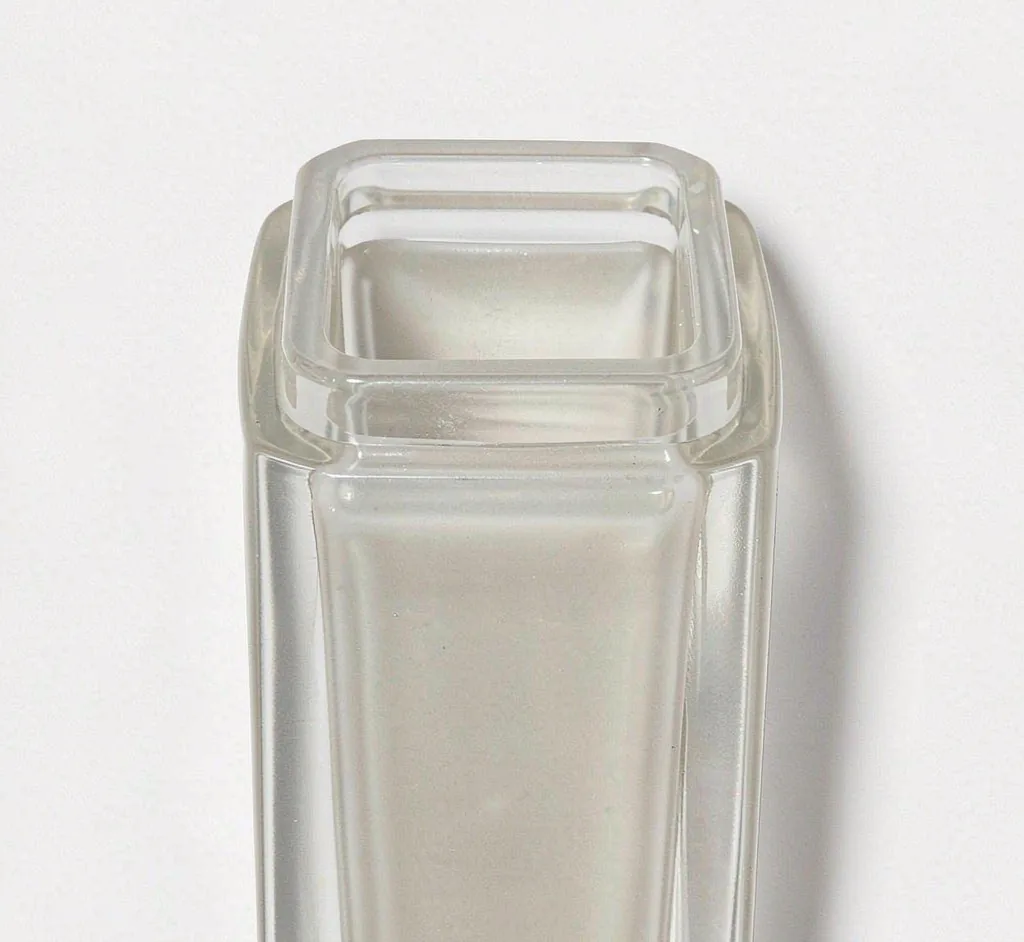
A sample photo is already loaded — pick a color to see it change.
How to make a blue background
Upload your photo
Add a JPG, PNG, or WebP image by dragging it in or clicking upload.
Apply the blue background
Choose blue and we fill the backdrop with an even, vivid blue tone.
Download your image
Export as PNG or JPG and use it anywhere — included with your plan.
Use it for
Profile pictures
Great for profile pictures that need a clean, consistent blue backdrop.
Product photos
Great for product photos that need a clean, consistent blue backdrop.
Presentations
Great for presentations that need a clean, consistent blue backdrop.
Blue background, every way you need it
Light Blue Background
A light blue background feels airy and friendly — great for lifestyle product photos and soft social graphics. Pick light blue when you want a calm, approachable look.
Dark Blue Background
Dark blue backgrounds read as trustworthy and corporate. They're a popular choice for LinkedIn headshots, SaaS hero images, and tech product shots.
Navy Blue Background
Navy blue is a timeless, professional backdrop for uniforms, team photos, and formal portraits. It pairs well with white text and logos.