Product scene template
AI Jewelry Product Photography
AI jewelry product photography keeps small, reflective pieces readable: hard edges on metal and gemstones stay sharp, reflections stay controlled, and the white hero shows the setting without glare. MarketShot isolates the product so engravings and stone color stay true to the source.
Published · Updated
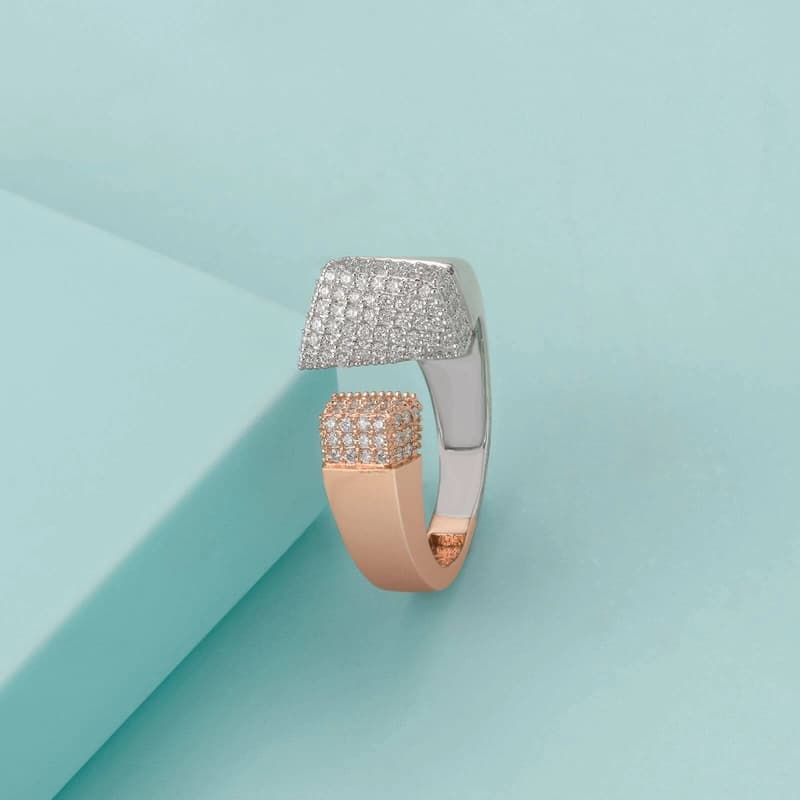
Marketplace image pack
Primary + 4 lifestyle assets
What makes jewelry hard to photograph?
Jewelry fails on reflections and scale — a stray highlight can wipe out a setting, and a small ring reads as nothing in a thumbnail. A jewelry scene system protects the metal edges, keeps gemstone color accurate, and reserves negative space so the piece stays the hero of the frame.
- Metal-edge cutout
- Controlled reflections
- Macro-safe framing
How do you keep a jewelry pack trustworthy?
Compare each generated scene against the source and reject any variant that changes the setting, plating, or stone color. Recognition — not sparkle — is what makes the listing believable to a buyer weighing a purchase.
The shine should come from the product, not from the edit.
Sources and further reading
Verify current marketplace rules and image standards at the official sources below.
Frequently asked questions
Common questions about AI Jewelry Product Photography
What does AI jewelry product photography produce?
It turns one jewelry source photo into a marketplace-ready image pack: a white-background hero plus four lifestyle scenes, each sized for Amazon, Etsy, or Shopify and exported as a single ZIP.
Will the template change my product?
No. The primary image is isolated from your source with segmentation, so labels and colors stay true to the original; only the background and lifestyle context are generated. Compare every scene to the source before export.
Which marketplaces do the exported images fit?
The pack is built for Amazon, Etsy, and Shopify with square output and channel-ready dimensions, so the same cutout works across search thumbnails, galleries, and catalog grids.
Ready for a real product?
Build the complete image pack in one workspace.
Keep exploring
Related tools, guides, and templates
Build a complete marketplace listing workflow from the pages that cover requirements, how-to, and tool comparison.
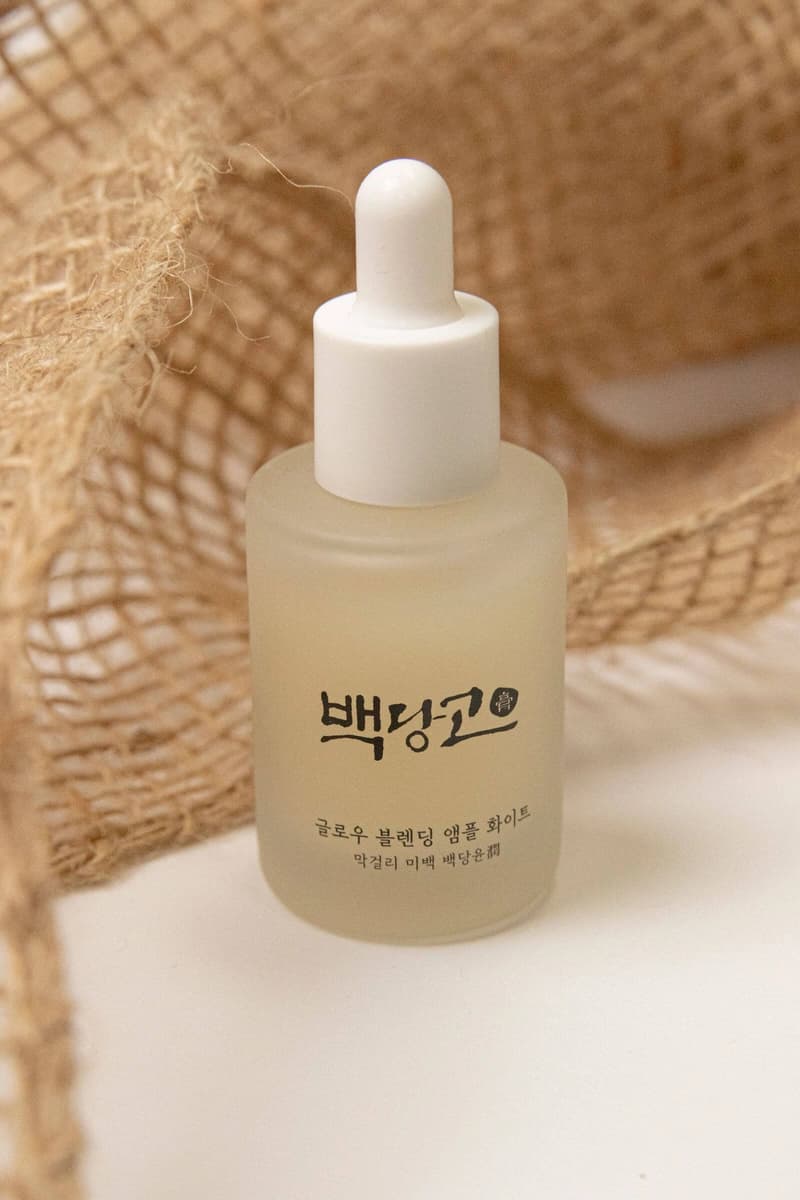 AI Skincare Product PhotographyBuild polished skincare images while protecting labels, color, and packaging details.
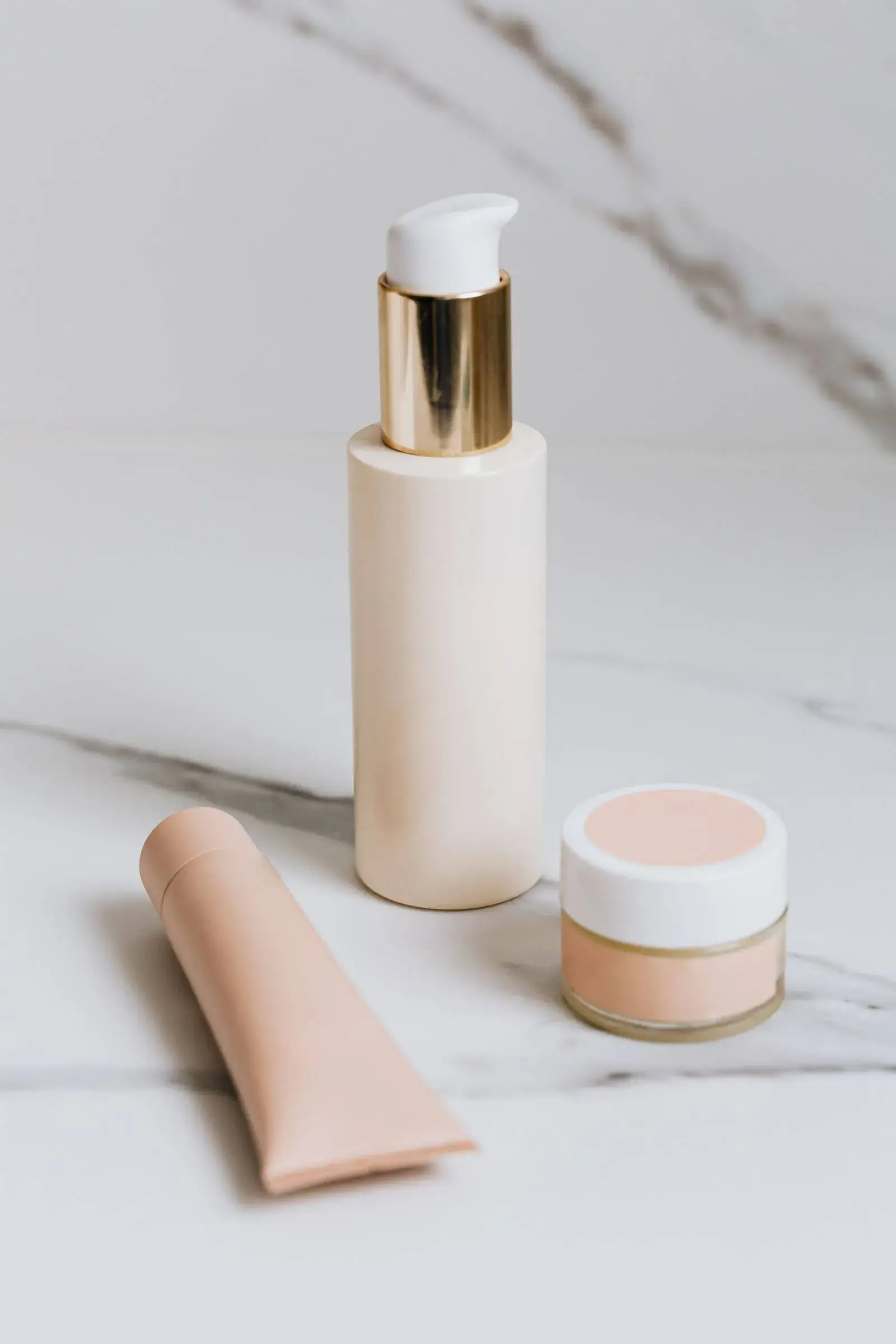 AI Beverage Product PhotographyCreate high-impact bottle and can scenes for listings, launches, and social campaigns.
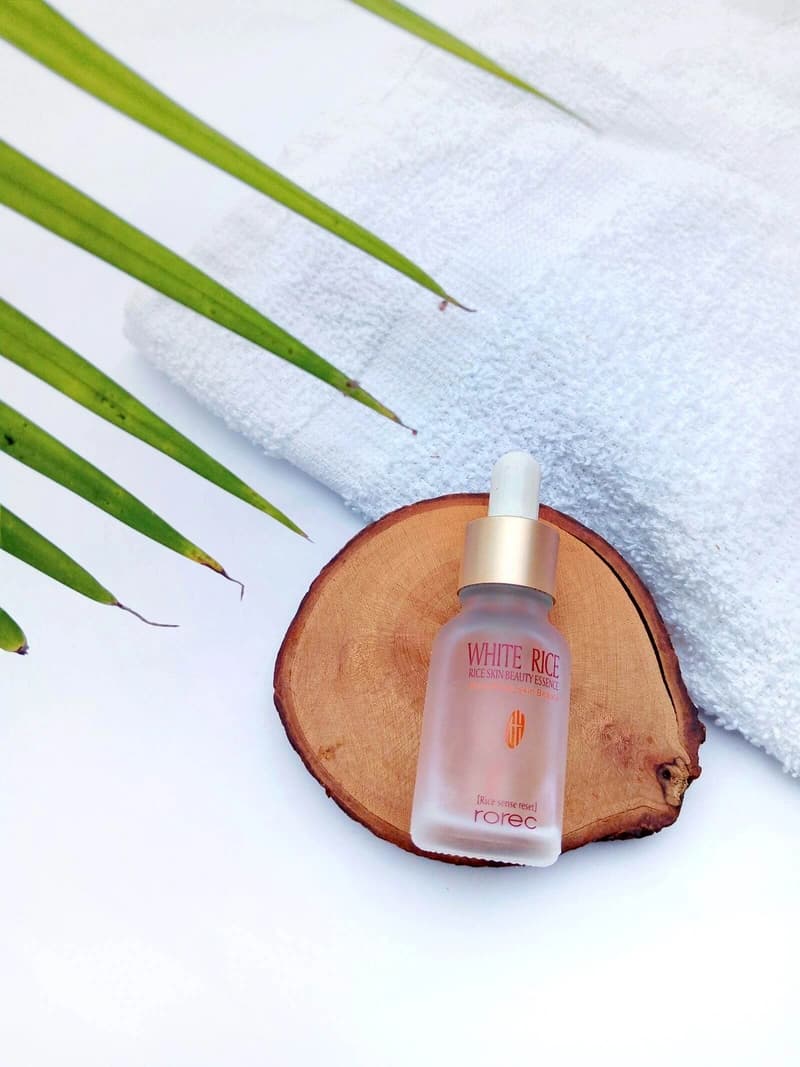 AI Candle Product PhotographyPlace candles in warm, intentional scenes without losing texture or label clarity.
- AI Home Goods Product PhotographyCreate consistent catalog and lifestyle images for decor, kitchen, and storage products.
- AI Supplement Product PhotographyPrepare crisp bottle images and trustworthy ingredient-led lifestyle scenes.
 AI Coffee Product PhotographyTurn coffee packaging into clean storefront and warm ritual-focused scenes.