Source photo guide
How to Take Product Photos With a Phone
A good product source photo is a clean, well-lit shot that gives AI edits a reliable product reference. Better source photos reduce edge errors and preserve labels, so scene generation starts from accurate pixels.
Published · Updated
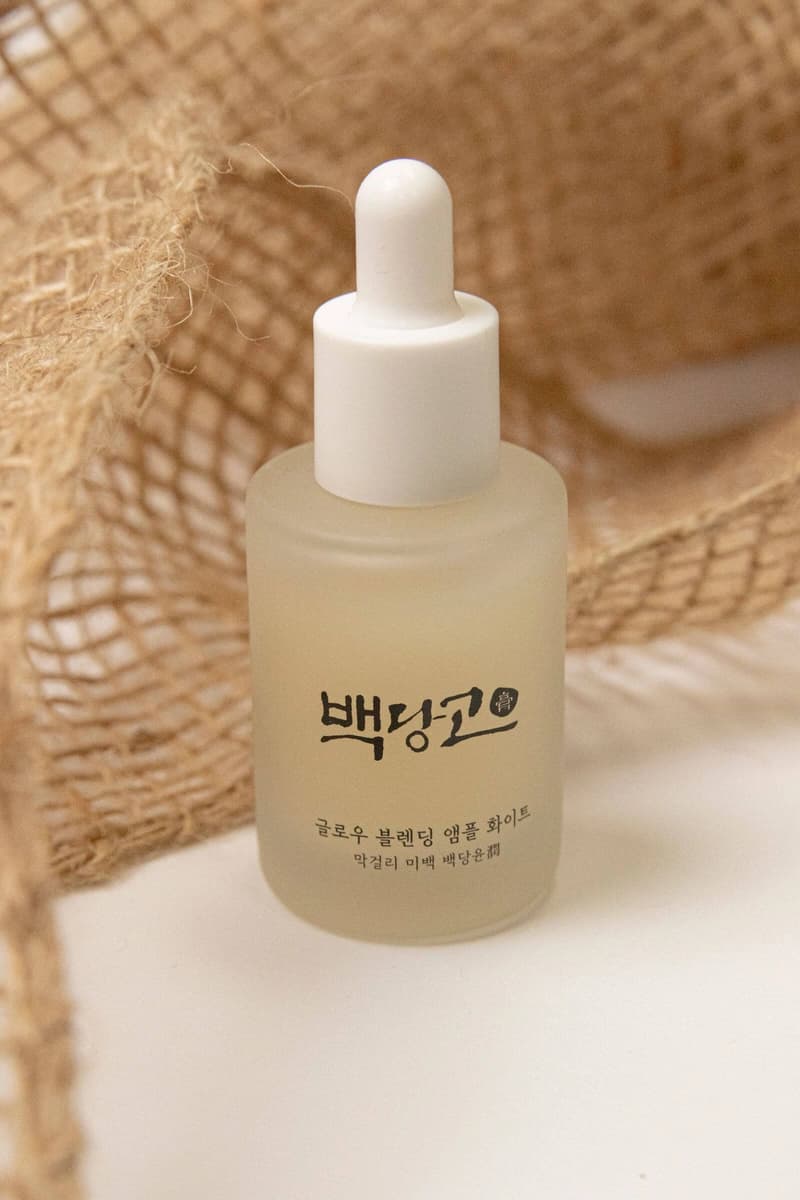
Marketplace image pack
Primary + 4 lifestyle assets
What is the best phone lighting for product photos?
The best lighting is broad, indirect light — place the product near a window or a large diffused source and avoid mixed color temperatures and hard reflections across labels. Good light is what lets the background remover and editor keep edges clean.
The cheapest upgrade to your product photos is the light you already have: a window beats most onboard flashes.
- Clean the lens
- Use the main camera
- Leave space around the product
How do you capture a dependable angle?
Keep the camera level, make the main label readable, and take a second angle for quality comparison when the product is reflective. A level, label-forward shot gives AI edits a reliable reference and reduces distortion.
- Level the camera
- Lead with the main label
- Add a reflectivity check angle
Sources and further reading
Verify current marketplace rules and image standards at the official sources below.
Frequently asked questions
Common questions about How to Take Product Photos With a Phone
What is the best lighting for product photos with a phone?
The best lighting is broad, indirect light — place the product near a window or a large diffused source and avoid mixed color temperatures. Good light lets background removal and editing keep edges clean.
How do I take a good product photo with my phone?
Keep the camera level, make the main label readable, leave space around the product, and take a second angle for reflective items. A clean, label-forward shot gives AI edits a reliable reference.
Why does source photo quality matter for AI edits?
Better source photos reduce edge errors, preserve labels, and give scene generation a more reliable product reference, so the final marketplace images stay accurate.
Ready for a real product?
Build the complete image pack in one workspace.
Keep exploring
Related tools, guides, and templates
Build a complete marketplace listing workflow from the pages that cover requirements, how-to, and tool comparison.
 Amazon Product Image Requirements ChecklistA production checklist for preparing clear, high-resolution Amazon listing images.
- Amazon Product Photo Editing: The Complete WorkflowEdit Amazon product photos to meet listing rules: remove backgrounds, build a white main image, resize for zoom, and check compliance before publishing.
 Product Photo Background Ideas: Remove, Replace & GenerateRemove a messy product photo background to a white main image, swap to a material or lifestyle scene, and generate backgrounds that keep the product first.
 Ecommerce Product Backgrounds: Remove and GenerateChoose, remove, and generate ecommerce product backgrounds that keep the product readable in search grids and compliant with marketplace main-image rules.
- Etsy Listing Photo Size and Thumbnail GuidePrepare consistent Etsy images that stay readable in search results and listing galleries.
- Shopify Product Image Optimization ChecklistBalance visual quality, consistent dimensions, modern formats, and page performance.