Background workflow guide
Ecommerce Product Backgrounds: Remove and Generate
Ecommerce product backgrounds are the surfaces and scenes placed behind a product in listing and catalog images. There are three ways to get one: keep the original setting, remove it for a pure-white main image, or generate a new lifestyle scene around the isolated product — and each one serves a different role in a listing pack.
Published · Updated
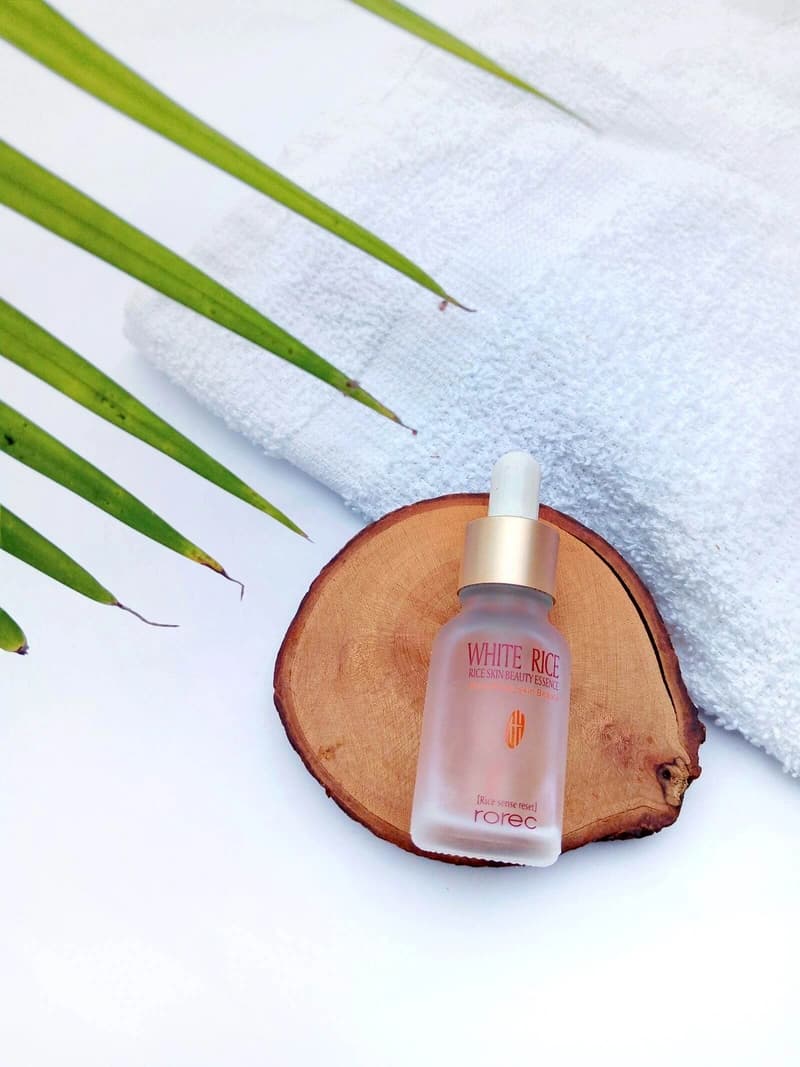
Marketplace image pack
Primary + 4 lifestyle assets
What are the three types of ecommerce product backgrounds?
The three types are the original background, a removed background on pure white, and a generated lifestyle scene. Pure white is the compliant choice for a main image; generated scenes belong in the supporting gallery; the original works when it already reads clean and uncluttered.
- Original setting
- Pure white main image
- Generated lifestyle scene
How do you remove a background from a product photo?
Isolate the product with segmentation, which keeps the original pixels and changes only what surrounds them, then review edges at full zoom before export. Generative removal redraws the product and risks altering labels, logos, and colors that listings must show accurately.
Removal should subtract the setting, never the product.
When should you generate a background instead?
Generate a background when you need supporting lifestyle images — scale, use context, or seasonal campaign frames — that a plain white shot cannot convey. A generated scene is never a compliant main image; it belongs in the gallery behind a white-background hero.
- Scale and use context
- Seasonal campaigns
- Social and ad crops
How do you pick a background that keeps the product readable?
Choose a material over a theme — stone, paper, tile, wood, or soft seamless color — and check that the silhouette, label, and key details survive at thumbnail size. Materials give category context without aging after a single campaign.
If the product vanishes in a thumbnail, the background is doing the wrong job.
Sources and further reading
Verify current marketplace rules and image standards at the official sources below.
Frequently asked questions
Common questions about Ecommerce Product Backgrounds: Remove and Generate
What is the best background for ecommerce product photos?
The best background is pure white for the main image and a restrained material — stone, paper, tile, or soft color — for supporting lifestyle shots. White keeps the main image compliant; materials add context without competing with the product.
How do I remove a background from a product photo?
Upload the photo and let segmentation isolate the product, then export it on pure white or as a transparent PNG. Review the edges at full zoom before exporting — missed edges are the most common reason a cutout looks edited.
Can AI generate backgrounds for ecommerce products?
Yes. AI background generators build lifestyle scenes around an isolated product — studio stone, warm shelf, sunlit counter, or campaign color. Use them for supporting gallery images, not for the main image, which must stay on white.
Should I use the same background across my whole catalog?
Yes for main images — one consistent white treatment keeps collection grids scannable. Supporting lifestyle scenes can vary by product family as long as framing and light stay consistent.
Ready for a real product?
Build the complete image pack in one workspace.
Keep exploring
Related tools, guides, and templates
Build a complete marketplace listing workflow from the pages that cover requirements, how-to, and tool comparison.
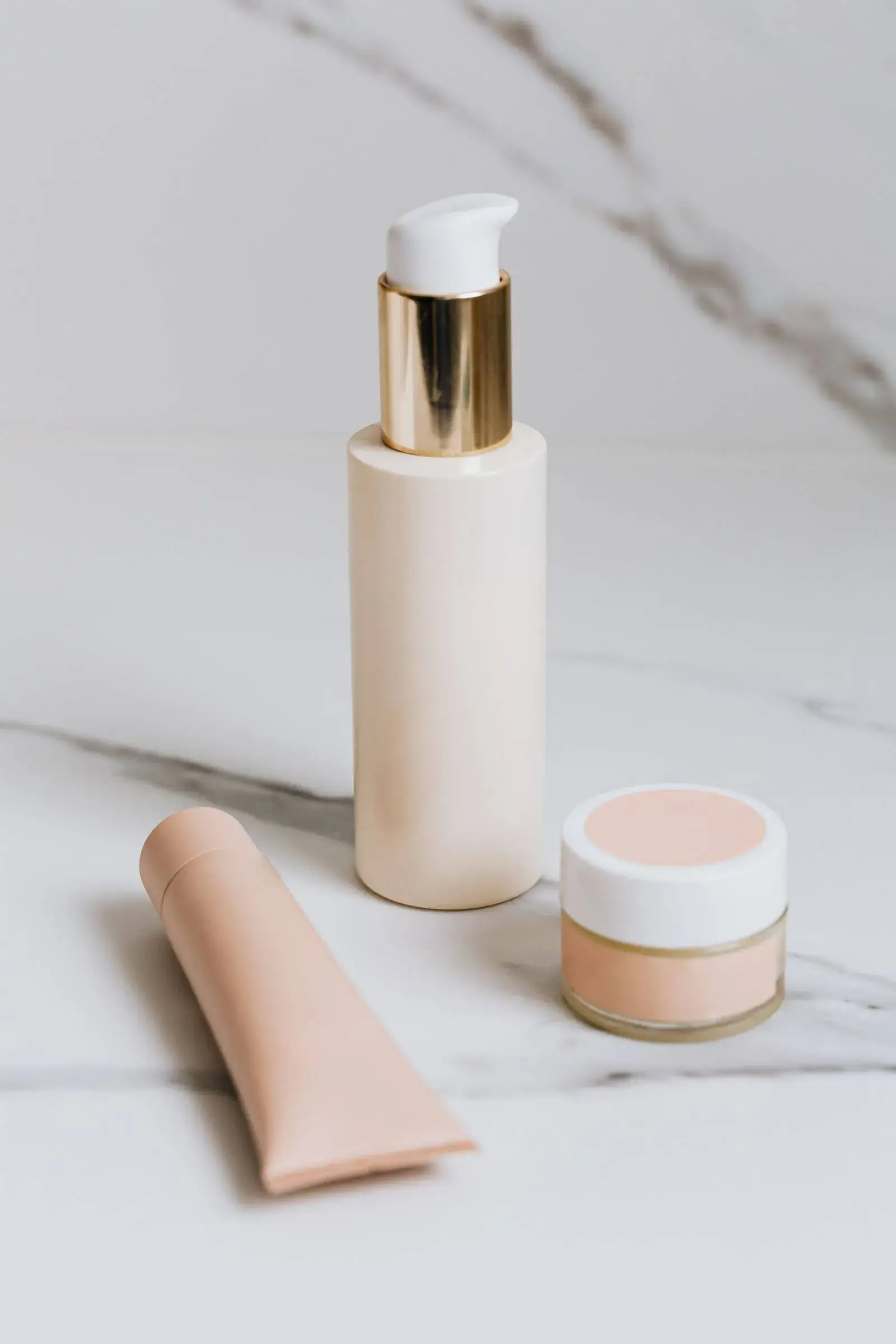 Amazon Product Image Requirements ChecklistA production checklist for preparing clear, high-resolution Amazon listing images.
- Amazon Product Photo Editing: The Complete WorkflowEdit Amazon product photos to meet listing rules: remove backgrounds, build a white main image, resize for zoom, and check compliance before publishing.
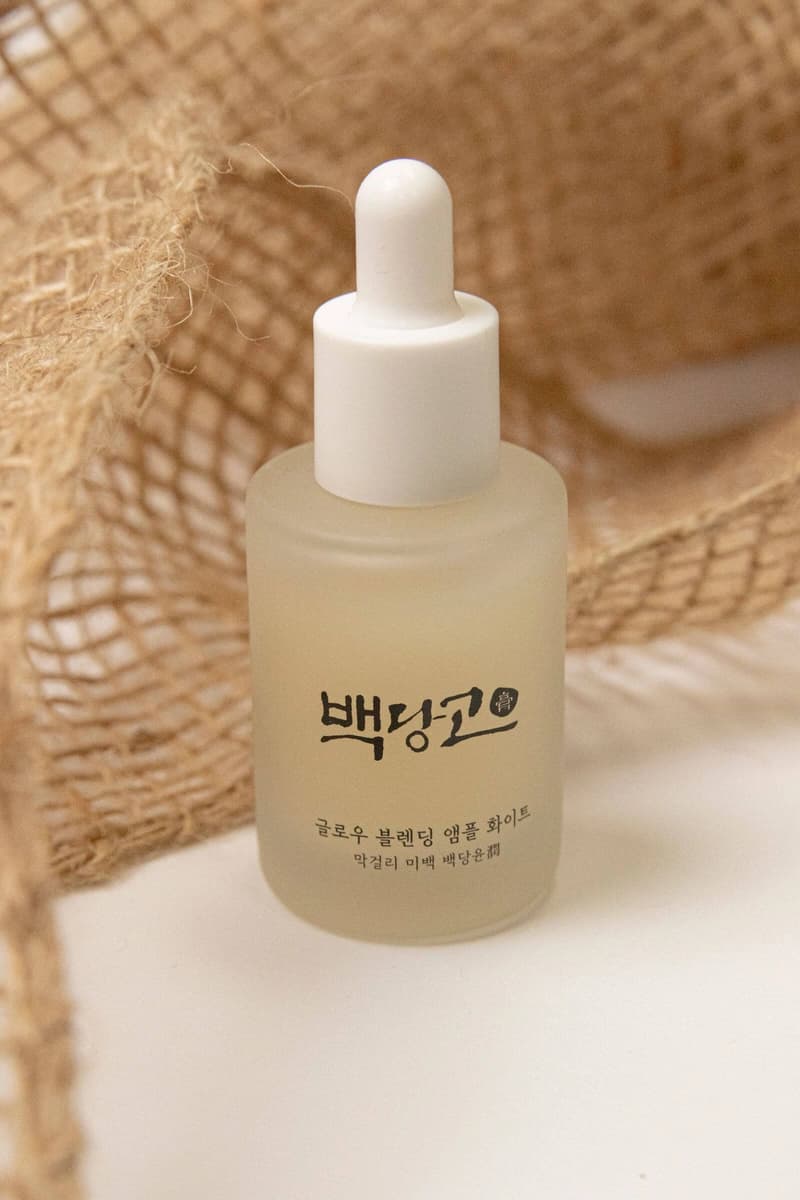 How to Take Product Photos With a PhoneA simple source-photo setup that produces cleaner AI edits and marketplace images.
 Product Photo Background Ideas: Remove, Replace & GenerateRemove a messy product photo background to a white main image, swap to a material or lifestyle scene, and generate backgrounds that keep the product first.
- Etsy Listing Photo Size and Thumbnail GuidePrepare consistent Etsy images that stay readable in search results and listing galleries.
- Shopify Product Image Optimization ChecklistBalance visual quality, consistent dimensions, modern formats, and page performance.