Tool comparison
AI Product Photo Tool Comparison: What to Look For
An AI product photo tool comparison is a scoring method that goes past the demo image and rates how each tool treats your real product, your marketplace rules, and your time. This guide walks through the criteria that separate a listing-ready pack from a pretty but unusable export.
Published · Updated
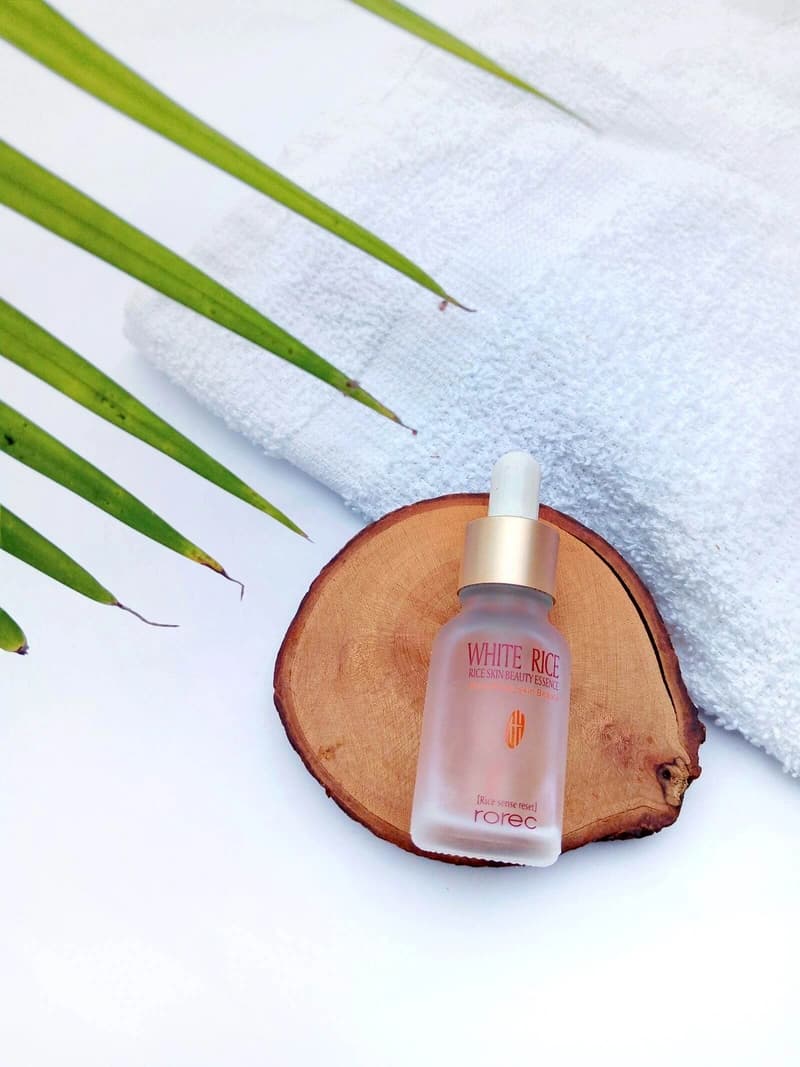
Marketplace image pack
Primary + 4 lifestyle assets
What is the difference between segmentation and generative editing?
Segmentation isolates the product from the source photo so the original pixels stay intact; generative editing redraws the product, which can alter text, logos, or color. In an AI product photo tool comparison, the main-image method is the first thing to check, because marketplaces require the main image to be accurate to the real item.
- Segmentation keeps labels true
- Generative edits risk drift
- Main image accuracy first
How do you compare marketplace readiness?
A tool is marketplace-ready only when it exports the sizes each channel expects — Amazon's square main image at roughly 2000 x 2000 px, Etsy's thumbnail-first gallery, and Shopify's 2048 x 2048 catalog grid — and separates hero from lifestyle roles. Compare the export step, not just the preview, because that is what reaches the listing.
- Channel-specific sizes
- Hero vs. lifestyle labels
- Single ZIP export
Why does the fidelity review decide the result?
Generated polish is only useful when the product stays accurate, so the strongest tools add a review step that compares every scene to the source before export. When you compare options, check whether the tool asks you to approve edges, color, and claims — that step is what keeps a pack safe to publish.
Compare the review step, not the demo image — the review is what protects the listing.
Sources and further reading
Verify current marketplace rules and image standards at the official sources below.
Frequently asked questions
Common questions about AI Product Photo Tool Comparison: What to Look For
What should I compare when choosing an AI product photo tool?
Compare how the tool builds the main image (segmentation vs. generative editing), whether it emits marketplace-ready sizes, whether it labels hero vs. lifestyle roles, how it handles fidelity review, and how pricing maps to a full image pack. The main image matters most because it is what shoppers see in search.
Does an AI product photo tool change my product?
It depends on the method. Tools that regenerate the product can drift on labels, logos, and color; tools that isolate the product with segmentation keep the original pixels intact and only generate the surrounding context. For marketplace compliance, isolation is the lower-risk choice.
Is a free AI product photo tool enough for a listing?
A free tier is enough to build one complete pack and learn the workflow, but a real listing needs consistent output across every SKU. Compare the credit cost of a full pack, not just the headline free credits, before you commit.
Ready for a real product?
Build the complete image pack in one workspace.
Keep exploring
Related tools, guides, and templates
Build a complete marketplace listing workflow from the pages that cover requirements, how-to, and tool comparison.
 Amazon Product Image Requirements ChecklistA production checklist for preparing clear, high-resolution Amazon listing images.
- Amazon Product Photo Editing: The Complete WorkflowEdit Amazon product photos to meet listing rules: remove backgrounds, build a white main image, resize for zoom, and check compliance before publishing.
 How to Take Product Photos With a PhoneA simple source-photo setup that produces cleaner AI edits and marketplace images.
 Product Photo Background Ideas: Remove, Replace & GenerateRemove a messy product photo background to a white main image, swap to a material or lifestyle scene, and generate backgrounds that keep the product first.
- Ecommerce Product Backgrounds: Remove and GenerateChoose, remove, and generate ecommerce product backgrounds that keep the product readable in search grids and compliant with marketplace main-image rules.
- Etsy Listing Photo Size and Thumbnail GuidePrepare consistent Etsy images that stay readable in search results and listing galleries.