Amazon editing guide
Amazon Product Photo Editing: The Complete Workflow
Amazon product photo editing is the process of taking an existing product image and preparing it for a listing: removing the original background, placing the product on pure white, resizing for zoom, and generating the supporting gallery. This guide walks through that workflow from source photo to a compliant main image plus a gallery that answers buyer questions.
Published · Updated
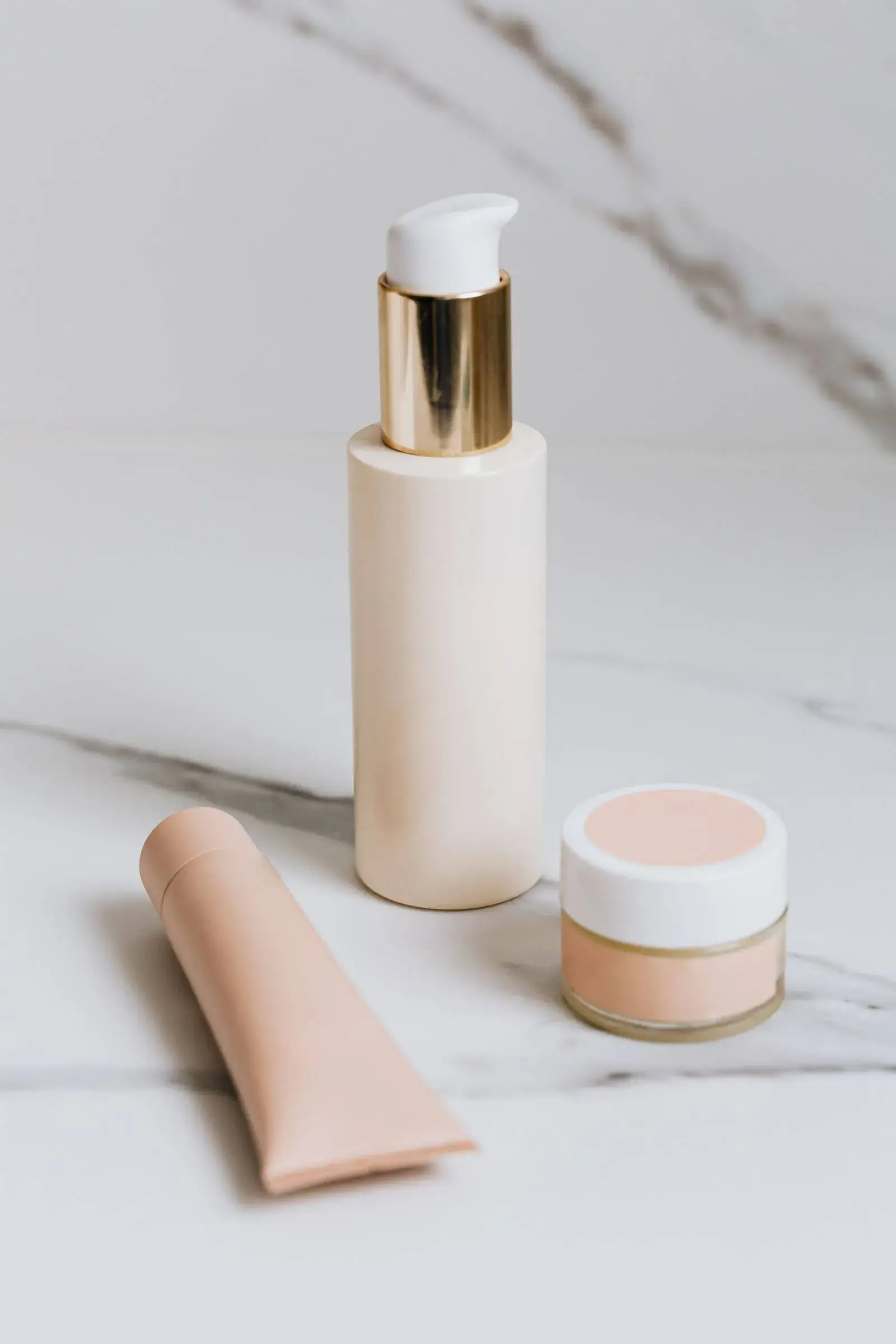
Marketplace image pack
Primary + 4 lifestyle assets
What does Amazon product photo editing involve?
Amazon product photo editing involves four jobs: isolating the product from its original background, placing it on pure white for the main image, resizing to at least 2000 x 2000 px for zoom, and generating the supporting gallery. MarketShot runs all four in one workspace, so you edit from a single source photo instead of moving files between a background remover, a design tool, and a spreadsheet of Amazon sizes.
- Background isolation
- Pure-white main image
- 2000 x 2000 zoom export
How do you remove a background for an Amazon main image?
Isolate the product with segmentation instead of regenerating it, so labels, logos, and colors survive the edit. Generative editing redraws the product and can alter text or packaging that Amazon requires to match the real item, while segmentation keeps the original pixels intact and changes only what surrounds the product.
On Amazon, the edit should change the background, never the product.
What size should edited Amazon photos be?
Edited Amazon photos should export square at roughly 2000 x 2000 px, which is the resolution Amazon needs for zoom to work on the detail page. Smaller files lose zoom; much larger files slow the listing without adding visible quality.
- 2000 x 2000 px square
- WebP or JPEG
- Within Amazon file limits
How do you check an edited image before publishing?
Compare the edited image to the source at full zoom and confirm four things: the background is pure white, the product fills most of the frame, no promotional text was added, and colors match the real item. That check catches the drift that gets main images suppressed.
The fastest way to lose a listing is a main image that no longer matches the product.
Sources and further reading
Verify current marketplace rules and image standards at the official sources below.
Frequently asked questions
Common questions about Amazon Product Photo Editing: The Complete Workflow
What is Amazon product photo editing?
Amazon product photo editing is the process of preparing an existing product image for a listing — removing the background, placing the product on pure white, resizing for zoom, and generating supporting gallery images. The goal is a compliant main image plus a gallery that answers buyer questions.
Can I edit product photos for Amazon with AI?
Yes. AI edits are safest when the main image is isolated with segmentation rather than redrawn, so labels and packaging stay accurate. MarketShot uses that approach for the main image and generates lifestyle scenes separately, with a fidelity review before export.
Does Amazon require a pure white background?
Yes, the main image requires a pure white background (RGB 255, 255, 255). Supporting images may use lifestyle backgrounds, but the main image must stay on white. Verify current rules in Seller Central for your category.
What size should edited Amazon product photos be?
Export square images at roughly 2000 x 2000 px so Amazon's zoom feature works. That size is the practical minimum for useful zoom and stays within Amazon's file limits.
Will editing my product photos risk an Amazon rejection?
Editing is safe when the product itself is unchanged. Rejections usually come from added promotional text, a non-white main background, resolution too low for zoom, or an image that no longer matches the shipped item.
Ready for a real product?
Build the complete image pack in one workspace.
Keep exploring
Related tools, guides, and templates
Build a complete marketplace listing workflow from the pages that cover requirements, how-to, and tool comparison.
- Amazon Product Image Requirements ChecklistA production checklist for preparing clear, high-resolution Amazon listing images.
 How to Take Product Photos With a PhoneA simple source-photo setup that produces cleaner AI edits and marketplace images.
 Product Photo Background Ideas: Remove, Replace & GenerateRemove a messy product photo background to a white main image, swap to a material or lifestyle scene, and generate backgrounds that keep the product first.
 Ecommerce Product Backgrounds: Remove and GenerateChoose, remove, and generate ecommerce product backgrounds that keep the product readable in search grids and compliant with marketplace main-image rules.
- Etsy Listing Photo Size and Thumbnail GuidePrepare consistent Etsy images that stay readable in search results and listing galleries.
- Shopify Product Image Optimization ChecklistBalance visual quality, consistent dimensions, modern formats, and page performance.