AI product photography guide
AI Product Photography: A Practical Seller Guide
AI product photography is a workflow that turns a single source photo into a complete set of marketplace-ready images — white-background heroes and lifestyle scenes — for Amazon, Etsy, and Shopify, with a fidelity-first review step. This guide shows how sellers use it without losing product accuracy.
Published · Updated

Marketplace image pack
Primary + 4 lifestyle assets
What does AI product photography actually change?
AI product photography changes the workflow, not the product: instead of jumping between a background remover, a design tool, and a spreadsheet of marketplace sizes, it runs the whole job in one workspace. You start from one clean source photo and leave with a coordinated image pack rather than disconnected files.
AI product photography is a workflow, not a magic button: the source photo and a fidelity check decide the result.
- White-background hero
- Four lifestyle scenes
- Channel-specific export sizes
How does AI product photography keep the product accurate?
It protects the product instead of reinventing it: the primary white-background image is built with segmentation, not generative editing, so labels, logos, and colors stay intact, and lifestyle scenes are separated and reviewed before they reach a listing.
- Compare every scene to the source
- Separate hero and lifestyle roles
- Approve before ZIP export
How do you build a pack that fits each marketplace?
Every channel reads images differently, so resize and reframe the same cutout for each: Amazon's square main image, Etsy's thumbnail-first gallery, and Shopify's catalog grid — keeping one consistent product look across all of them.
- 2000×2000 for Amazon
- Square thumbnails for Etsy
- 2048×2048 for Shopify
Sources and further reading
Verify current marketplace rules and image standards at the official sources below.
Frequently asked questions
Common questions about AI Product Photography: A Practical Seller Guide
What is AI product photography?
AI product photography is a workflow that turns one source photo into a complete set of marketplace-ready images — white-background heroes and lifestyle scenes — for Amazon, Etsy, and Shopify, with a fidelity-first review step.
Does AI product photography change my product?
No. It changes the workflow, not the product: the primary white-background image is built with segmentation, so labels, logos, and colors stay intact, and lifestyle scenes are reviewed before export.
How do I build a pack for each marketplace?
Resize and reframe the same cutout per channel — Amazon's square main image (2000 x 2000 px), Etsy's thumbnail-first gallery, and Shopify's catalog grid (2048 x 2048 px) — keeping one consistent product look across all of them.
Ready for a real product?
Build the complete image pack in one workspace.
Keep exploring
Related tools, guides, and templates
Build a complete marketplace listing workflow from the pages that cover requirements, how-to, and tool comparison.
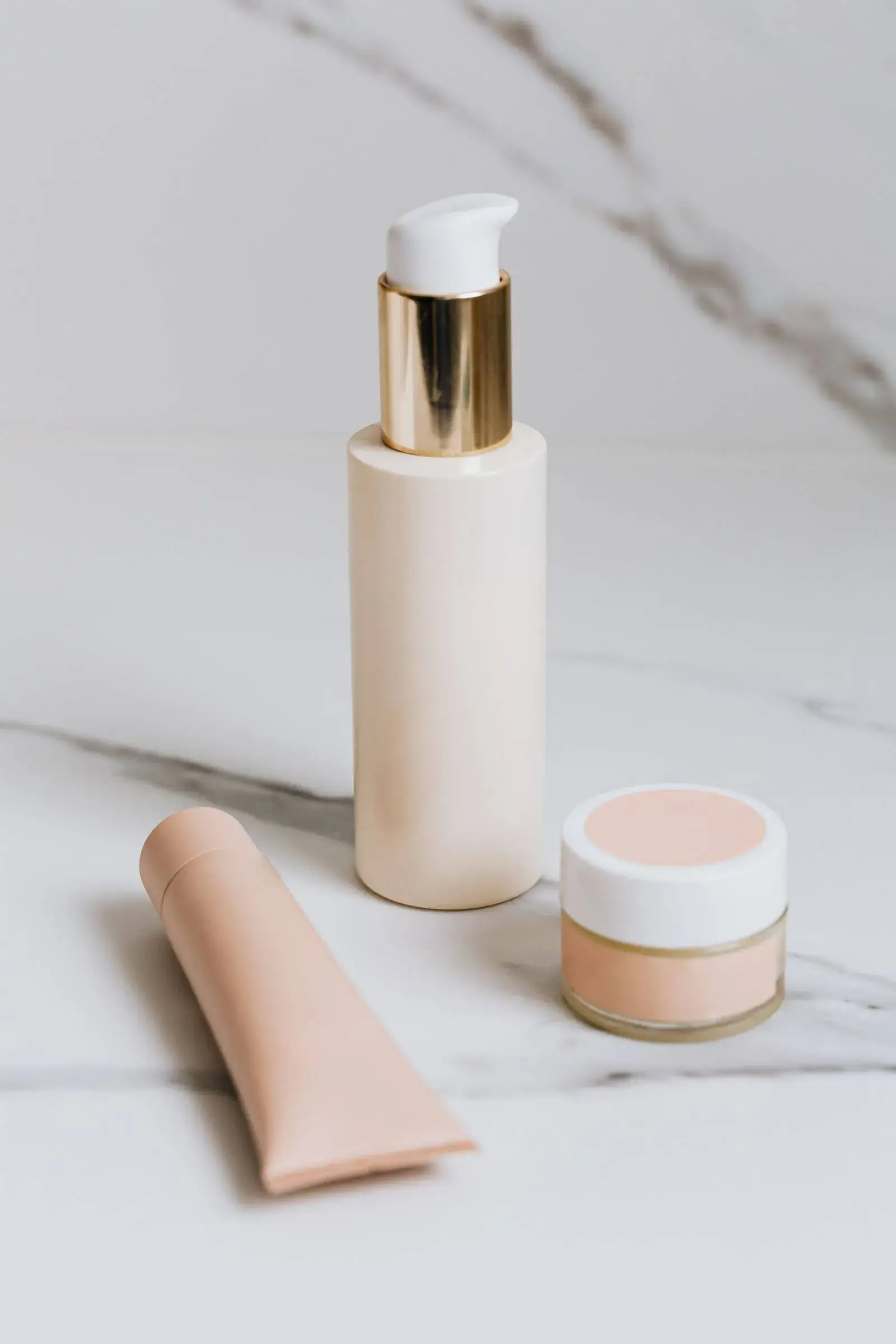 Amazon Product Image Requirements ChecklistA production checklist for preparing clear, high-resolution Amazon listing images.
- Amazon Product Photo Editing: The Complete WorkflowEdit Amazon product photos to meet listing rules: remove backgrounds, build a white main image, resize for zoom, and check compliance before publishing.
- How to Take Product Photos With a PhoneA simple source-photo setup that produces cleaner AI edits and marketplace images.
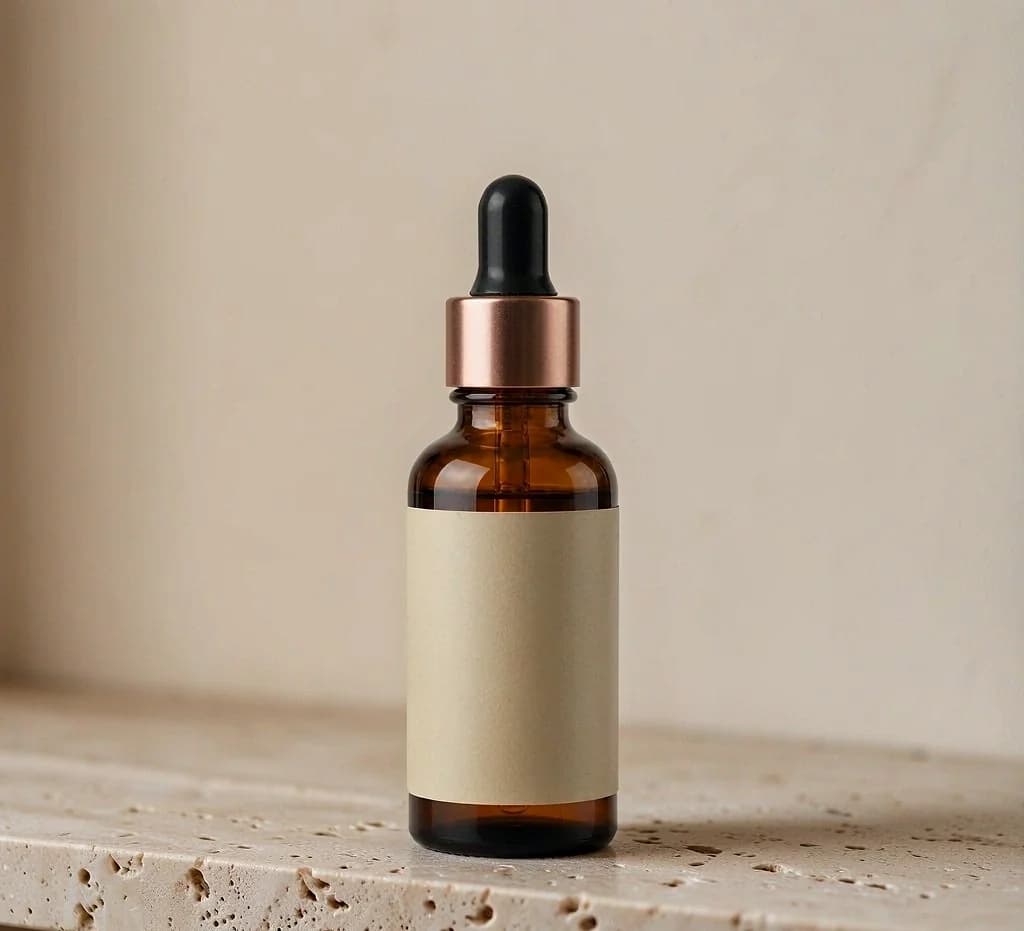 Product Photo Background Ideas: Remove, Replace & GenerateRemove a messy product photo background to a white main image, swap to a material or lifestyle scene, and generate backgrounds that keep the product first.
 Ecommerce Product Backgrounds: Remove and GenerateChoose, remove, and generate ecommerce product backgrounds that keep the product readable in search grids and compliant with marketplace main-image rules.
- Etsy Listing Photo Size and Thumbnail GuidePrepare consistent Etsy images that stay readable in search results and listing galleries.