Amazon image workflow
Amazon Product Photo Maker
An Amazon product photo maker is a workspace that prepares a consistent image pack around the rules sellers check most often: square framing, a clean white background, clear product visibility, and high-resolution exports. MarketShot builds the compliant main image first, then sizes supporting lifestyle and detail shots for Amazon search.
Published · Updated
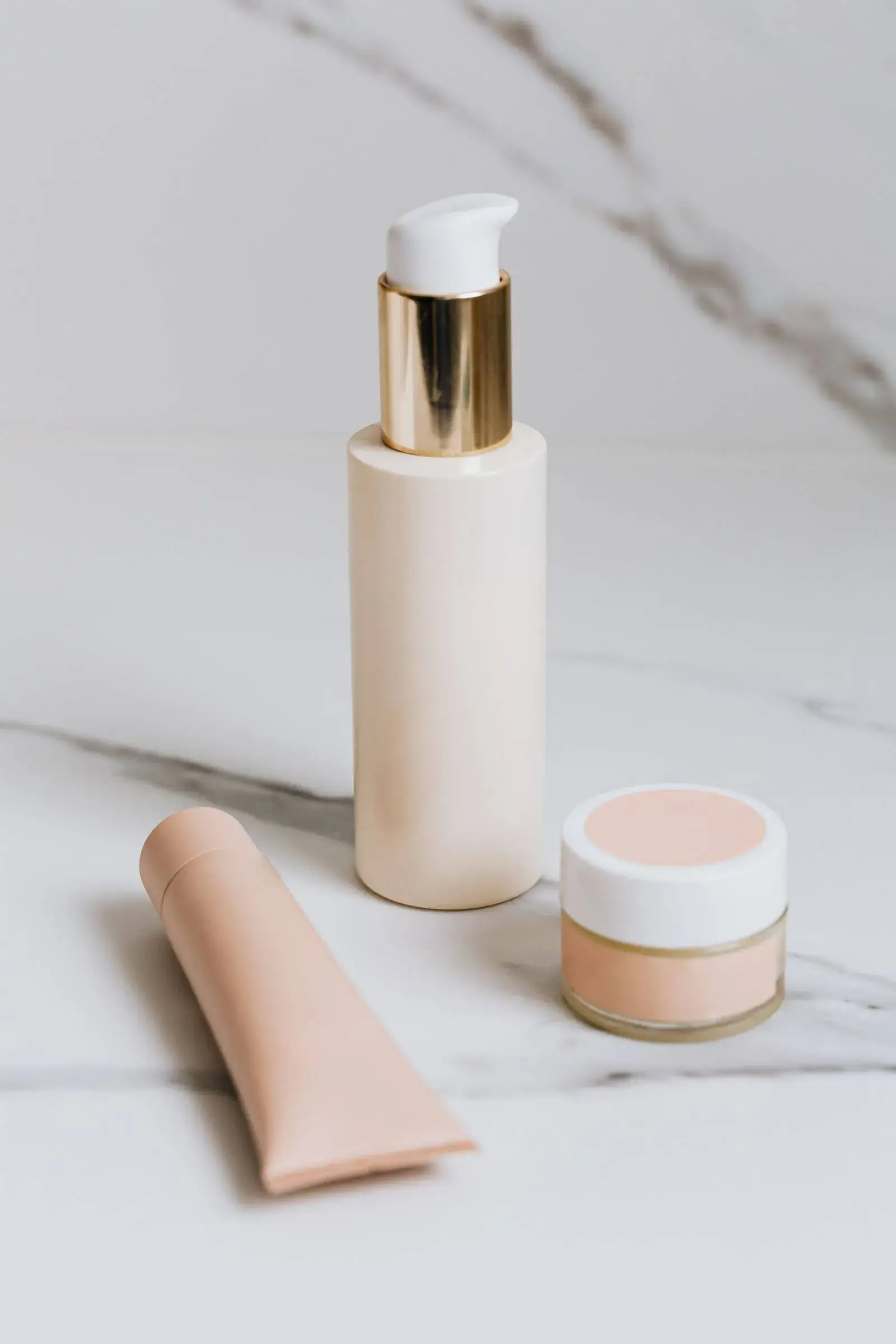
Marketplace image pack
Primary + 4 lifestyle assets
Why build the main image first?
The Amazon main image is the most-constrained and most-seen asset in the listing — build it first so the rest of the pack is anchored to its rules. MarketShot keeps each asset's role visible throughout the workflow so the primary image stays compliant.
- 2000 × 2000 export
- White-background check
- Subject coverage indicator
What should secondary images show?
Secondary images should explain the offer — scale, ingredients, use, packaging, and important product details — without altering the primary product. They turn a single compliant hero into a listing that answers buyer questions.
The main image earns the click; the secondary images earn the sale.
How do you turn one photo into Amazon listing images?
You go from one product photo to a finished Amazon listing image set in a single workspace: upload the source, isolate the product onto a pure white canvas, then generate and size the supporting lifestyle and detail shots for Amazon. Sellers searching for AI product photos for Amazon sellers get the whole pack — main image plus secondary images — without switching between a background remover, a design tool, and a spreadsheet of Amazon sizes.
- One upload, full set
- 2000 × 2000 main image
- Sized secondary images
Sources and further reading
Verify current marketplace rules and image standards at the official sources below.
Frequently asked questions
Common questions about Amazon Product Photo Maker
What are the Amazon product image requirements?
Amazon's main image must sit on a pure white background, show the product clearly and completely, carry no promotional text, and export at enough resolution for zoom — typically 2000 x 2000 px. Always verify current rules in Seller Central for your category.
What should Amazon secondary images show?
Secondary images should explain the offer — scale, ingredients, use, packaging, and key details — without altering the product. They turn a compliant hero into a listing that answers buyer questions.
Does MarketShot export Amazon-ready image sizes?
Yes. MarketShot builds the non-generative white-background main image first, then sizes supporting images for Amazon, exporting at 2000 x 2000 px with a subject-coverage indicator.
Can I create Amazon listing images from one photo?
Yes. One product photo becomes a complete Amazon listing image set — a compliant white-background main image plus supporting lifestyle and detail shots — each sized for search and zoom. You go from one photo to Amazon listing images in a single workspace instead of jumping between separate editing tools.
Ready for a real product?
Build the complete image pack in one workspace.
Keep exploring
Related tools, guides, and templates
Build a complete marketplace listing workflow from the pages that cover requirements, how-to, and tool comparison.
 Etsy Listing Photo MakerCreate polished Etsy listing photos for handmade, jewelry, beauty, and home-goods products.
 Shopify Product Image GeneratorCreate fast, consistent Shopify product images and reusable campaign scenes.
- Amazon Product Image Requirements ChecklistA production checklist for preparing clear, high-resolution Amazon listing images.
- Amazon Product Photo Editing: The Complete WorkflowEdit Amazon product photos to meet listing rules: remove backgrounds, build a white main image, resize for zoom, and check compliance before publishing.
- Background Remover for Product PhotosRemove distracting backgrounds and prepare clean product cutouts for marketplace listings.
- AI Product Photo EditorPrepare a complete set of consistent ecommerce images from one product photo.