Etsy guide
Etsy Listing Photo Size and Thumbnail Guide
Etsy listing photos are square images sized to stay readable in search thumbnails and listing galleries. Use a repeatable square source and preview the crop at thumbnail size so the first image communicates the product immediately.
Published · Updated
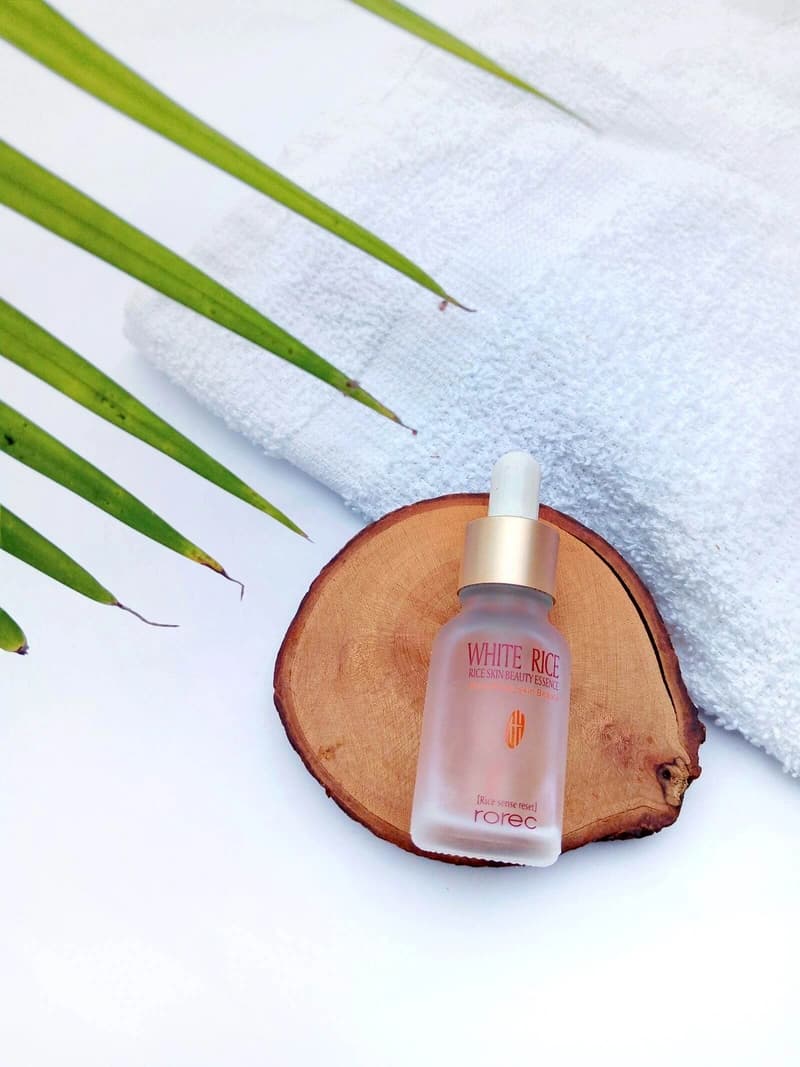
Marketplace image pack
Primary + 4 lifestyle assets
Why design the first Etsy image for scanning?
Shoppers decide whether to open a listing from the thumbnail — a small or cluttered first image loses the moment. Keep the subject central, remove unnecessary props, and maintain enough contrast between product and background.
If the thumbnail doesn't communicate the product in one glance, the rest of the gallery rarely gets a chance.
- Preview mobile thumbnails
- Keep framing consistent
- Avoid tiny overlay text
How do you use the gallery to answer objections?
Each distinct gallery image answers a different buyer objection — follow the hero with scale, packaging, materials, detail, and use-context frames rather than five near-identical angles. Variety, not repetition, drives confidence.
- Scale shots
- Material close-ups
- Use-context scenes
Sources and further reading
Verify current marketplace rules and image standards at the official sources below.
Frequently asked questions
Common questions about Etsy Listing Photo Size and Thumbnail Guide
What size should Etsy listing photos be?
Etsy listing photos are square and should stay readable in search thumbnails and gallery views. Use a repeatable square source and preview the crop so the first image communicates the product immediately.
How do Etsy photos answer buyer objections?
Follow the hero with scale, packaging, materials, detail, and use-context images rather than five near-identical angles. Each distinct image answers a question before the buyer messages you.
Why design the first Etsy image for scanning?
Shoppers decide whether to open a listing from the thumbnail — a small or cluttered first image loses the moment. Keep the subject central with enough contrast against the background.
Ready for a real product?
Build the complete image pack in one workspace.
Keep exploring
Related tools, guides, and templates
Build a complete marketplace listing workflow from the pages that cover requirements, how-to, and tool comparison.
 Amazon Product Image Requirements ChecklistA production checklist for preparing clear, high-resolution Amazon listing images.
- Amazon Product Photo Editing: The Complete WorkflowEdit Amazon product photos to meet listing rules: remove backgrounds, build a white main image, resize for zoom, and check compliance before publishing.
 How to Take Product Photos With a PhoneA simple source-photo setup that produces cleaner AI edits and marketplace images.
 Product Photo Background Ideas: Remove, Replace & GenerateRemove a messy product photo background to a white main image, swap to a material or lifestyle scene, and generate backgrounds that keep the product first.
- Ecommerce Product Backgrounds: Remove and GenerateChoose, remove, and generate ecommerce product backgrounds that keep the product readable in search grids and compliant with marketplace main-image rules.
- Shopify Product Image Optimization ChecklistBalance visual quality, consistent dimensions, modern formats, and page performance.